
Mockup Basics Pack
Draw your designs on 42 garments, from tees and hoodies to jorts and slides. Recolour each part, or start from a ready-made mockup.
Contents: 42 garments · 132 views · 1,320 ready-made mockups · digital


What’s inside
- 42 garments: tops, bottoms, hats, slides, flip flops, socks and underwear.
- 132 views: front and back, plus left and right side views on most tops.
- Recolour each part on its own, in the SVG and PSD files. The hoods are redrawn.
- 1,320 ready-made mockups: every view in 10 colourways, each as a PNG and a JPG.
- The colourways: black, white, heather grey, navy, cream, washed black, forest, burgundy, sand and chocolate, with a swatch file for your apps.
- An index PDF of every garment, free fonts and a START HERE PDF.
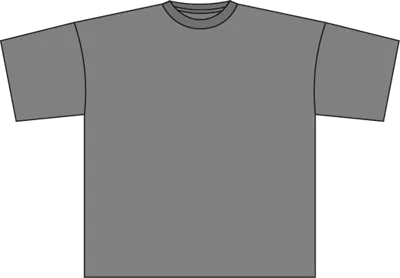
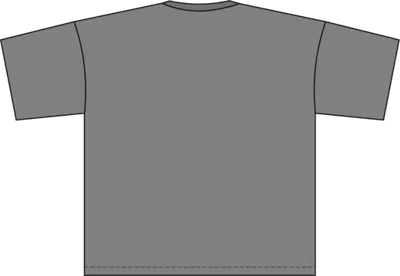 T-shirt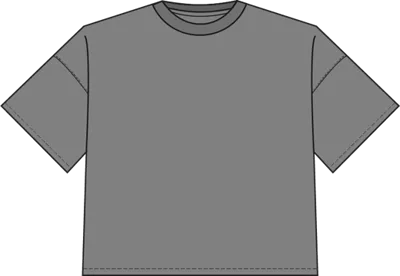
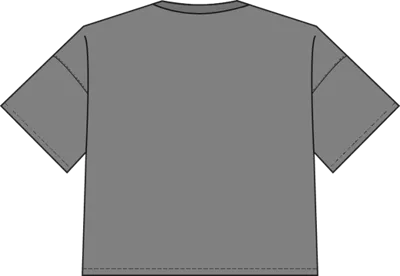 Boxy tee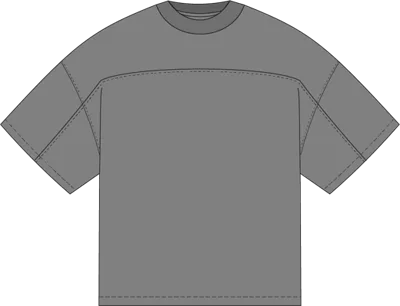
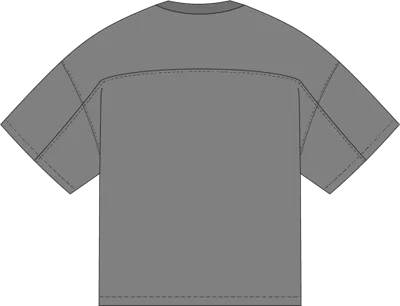 Oversized tee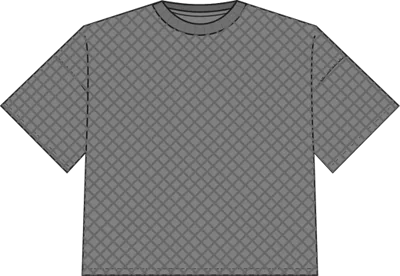
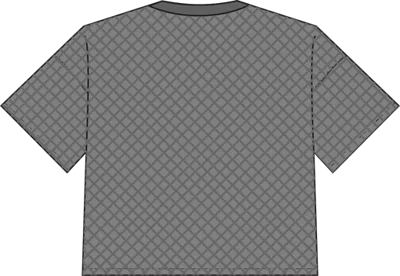 Knitted tee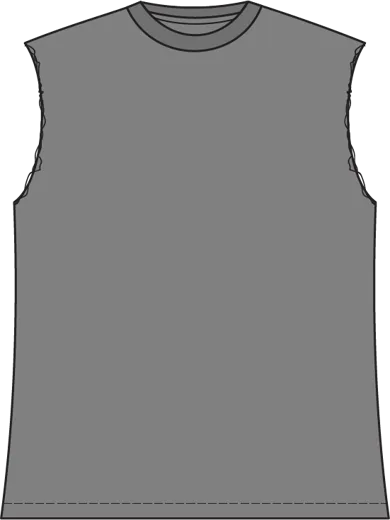
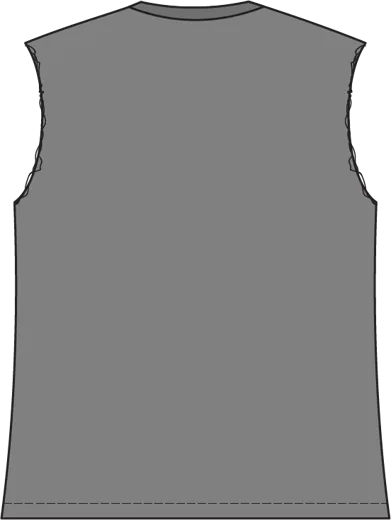 Ripped tee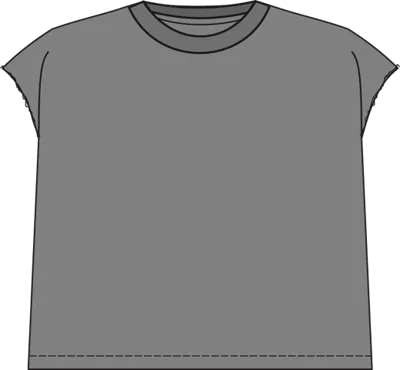
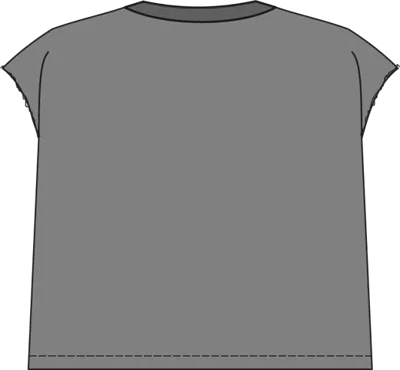 Ripped boxy tee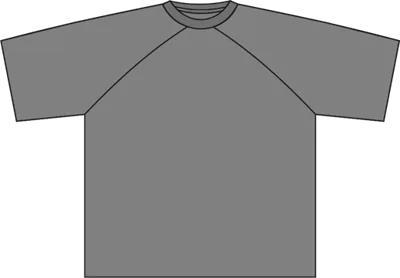
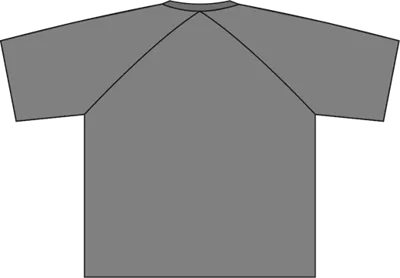 No-shoulder-seam tee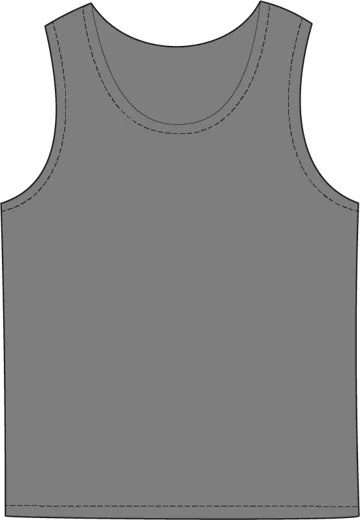
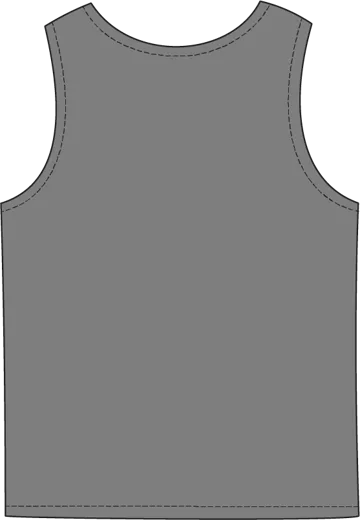 Tank top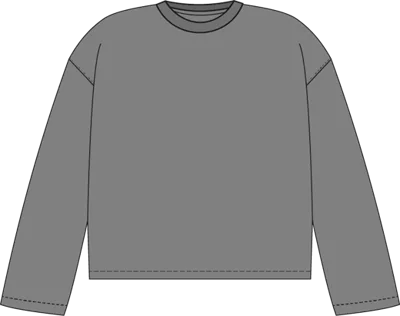
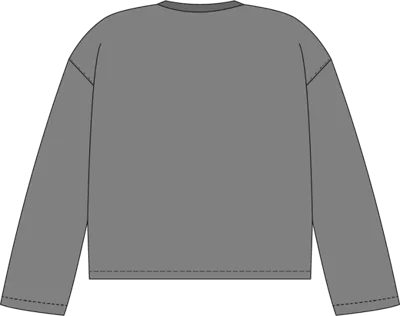 Long sleeve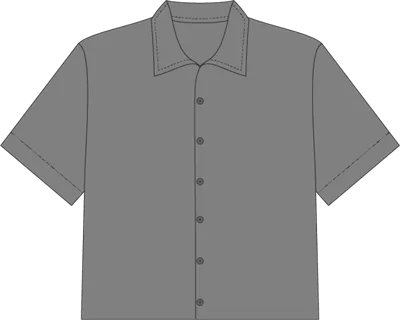
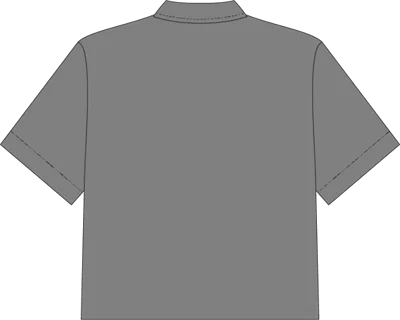 Collar shirt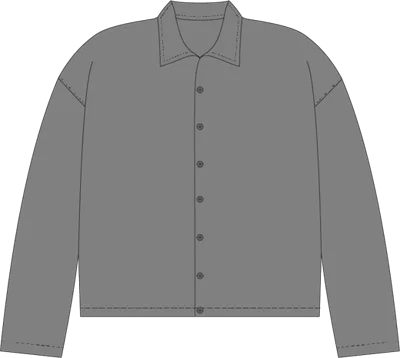
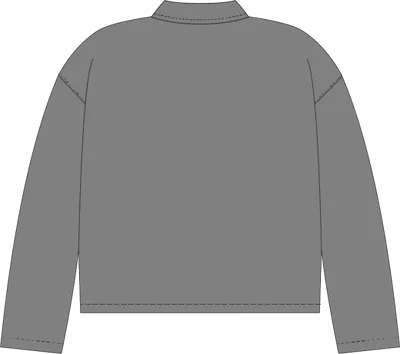 Long sleeve collar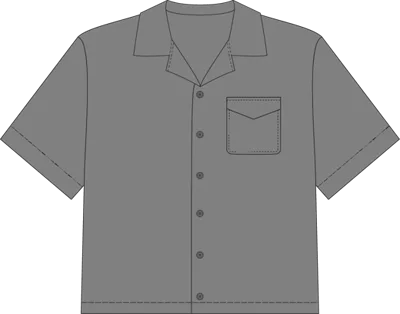
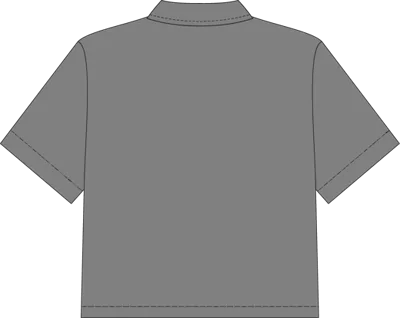 Button-up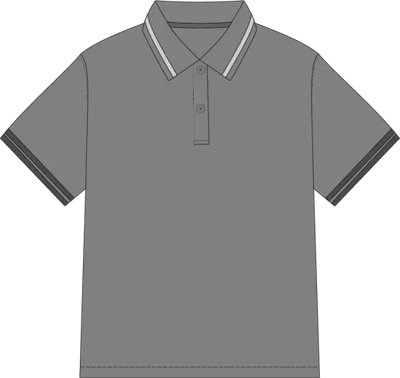
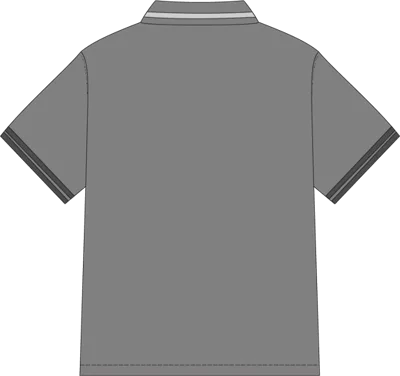 Polo
Polo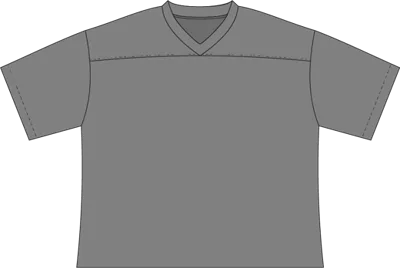
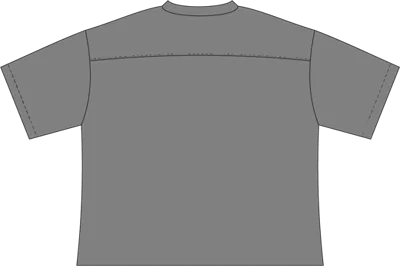 Jersey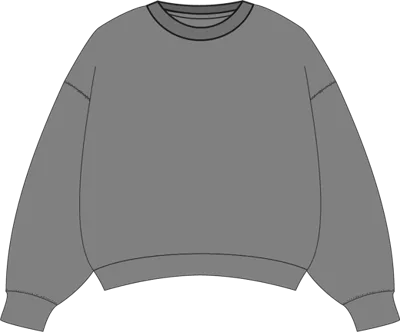
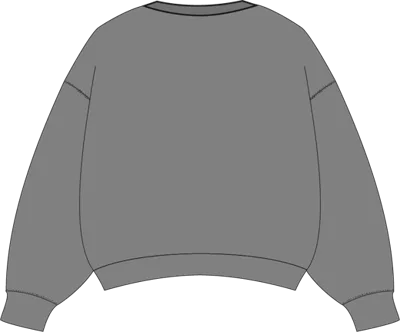 Crewneck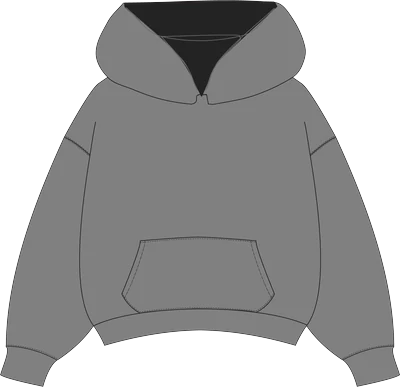
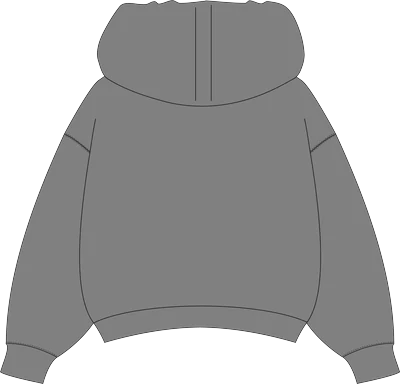 Pullover hoodie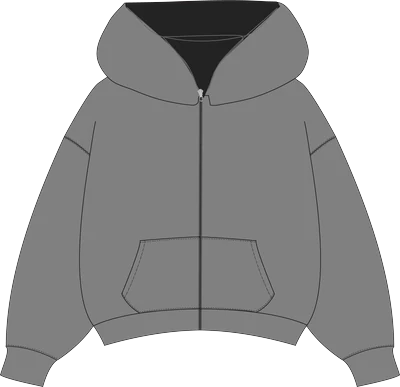
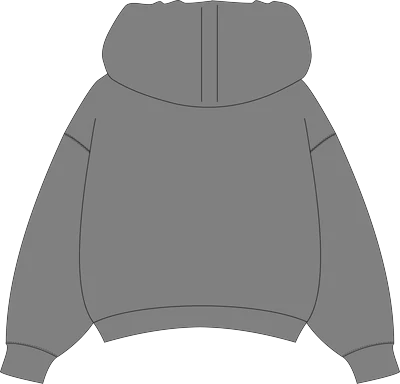 Zip-up hoodie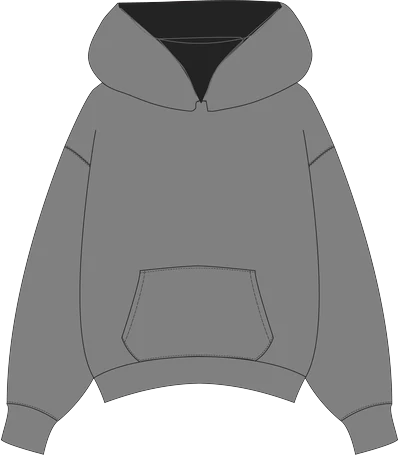
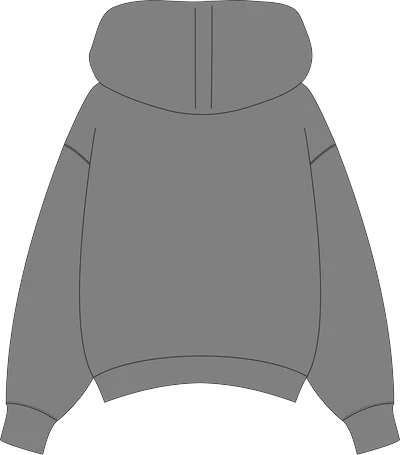 Pullover hoodie, classic fit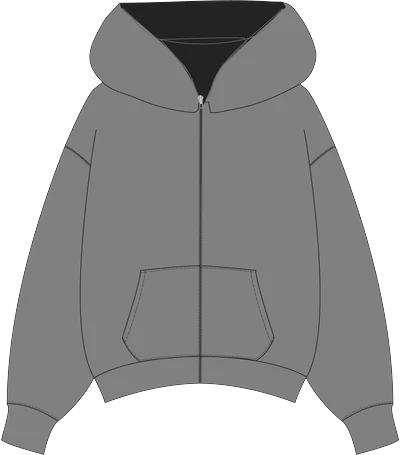
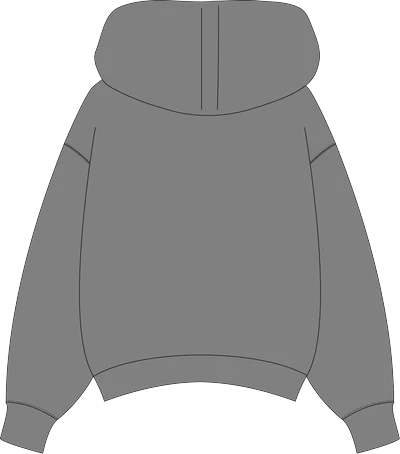 Zip-up hoodie, classic fit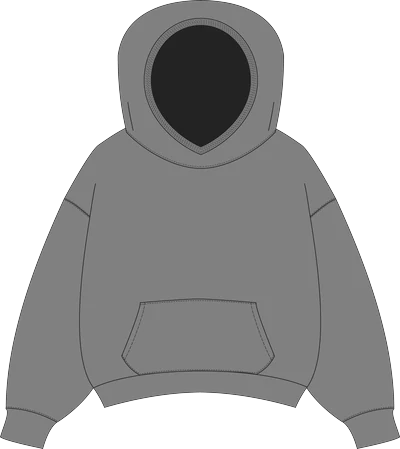
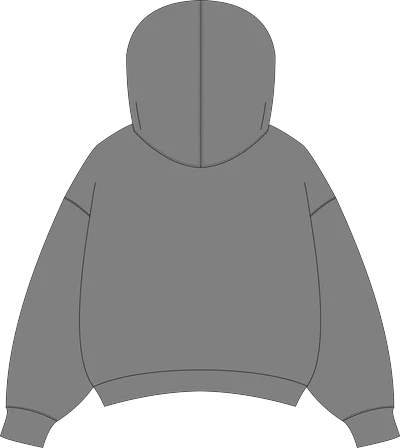 Pullover hoodie, hood up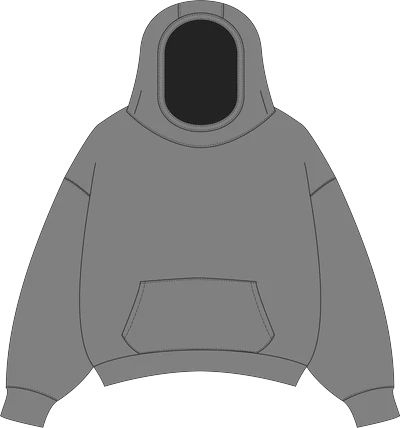
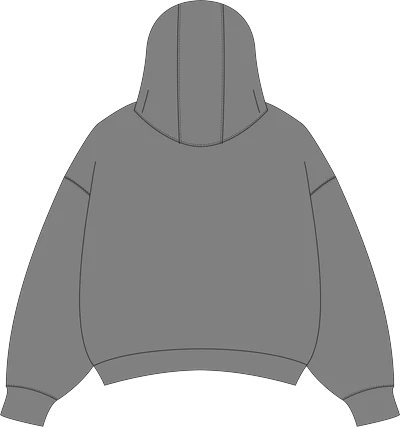 Pullover hoodie, scuba hood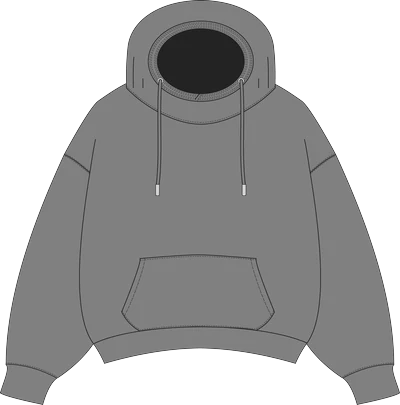
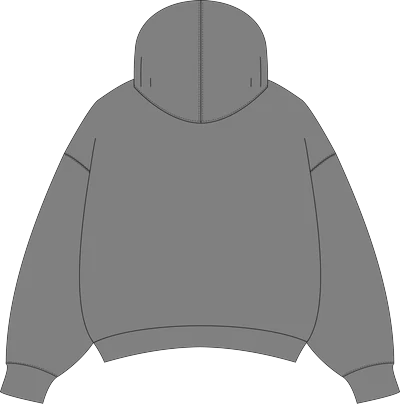 Pullover hoodie, relaxed hood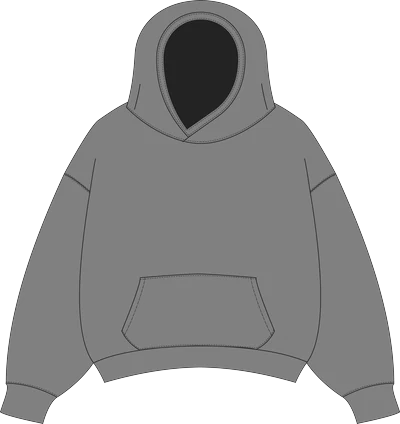
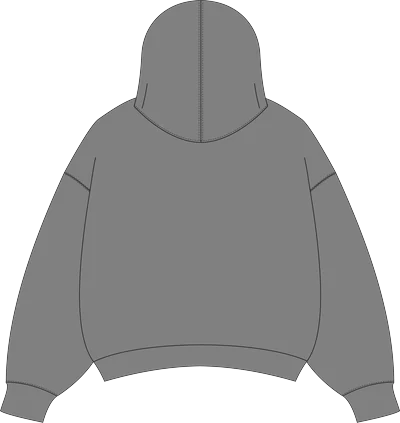 Pullover hoodie, crossover hood (up)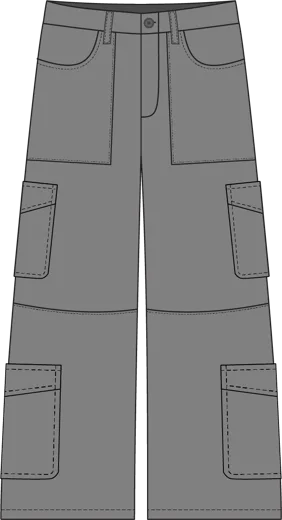
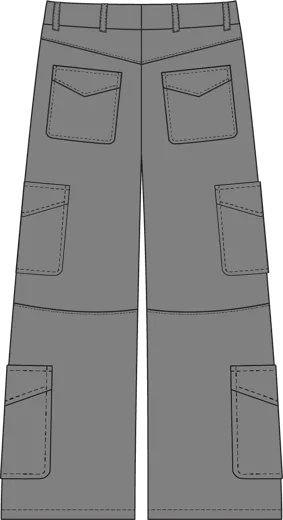 Cargo pants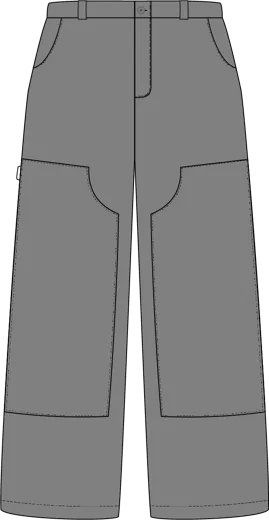
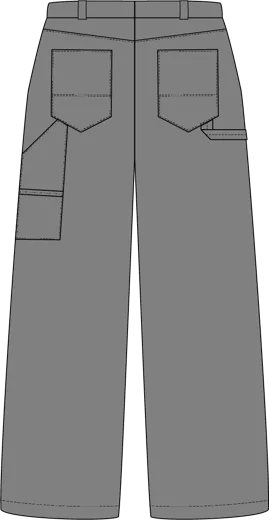 Carpenter pants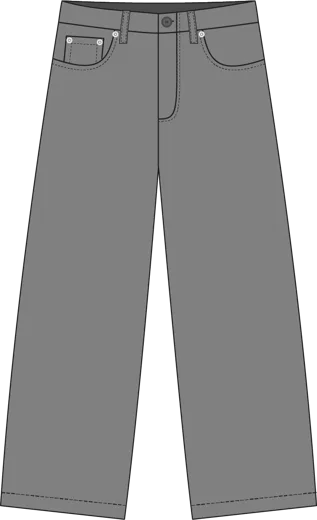
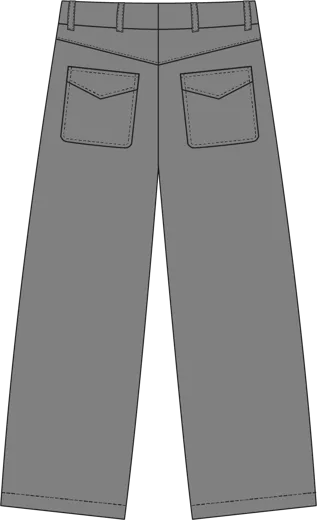 Denim jeans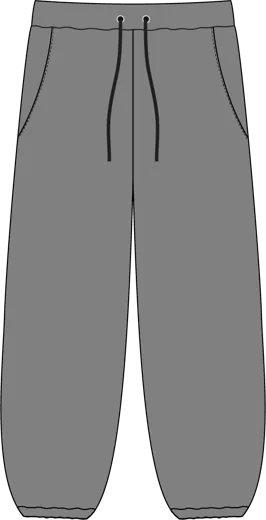
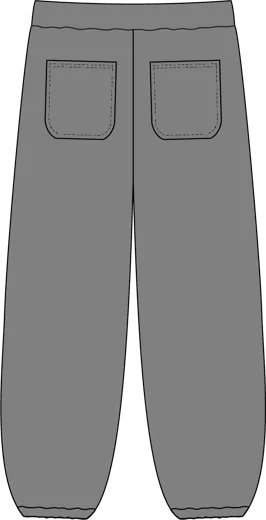 Cuffed sweatpants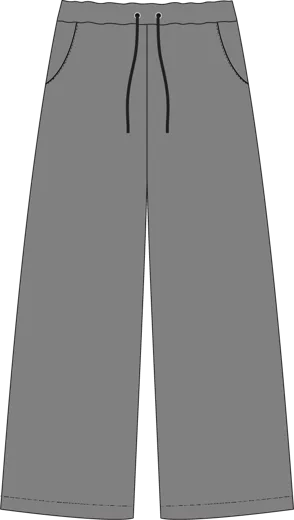
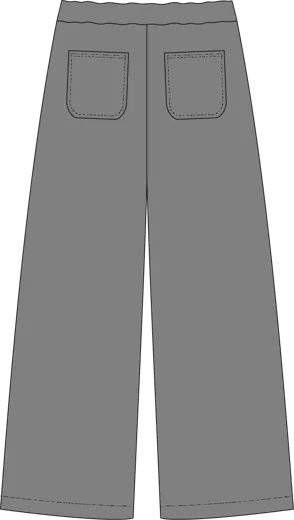 Straight-leg sweats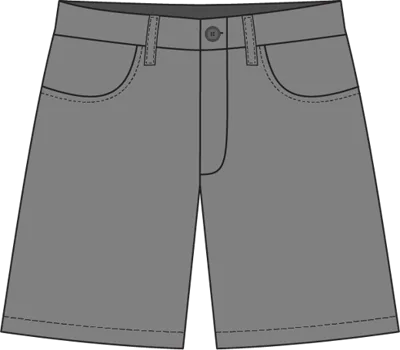
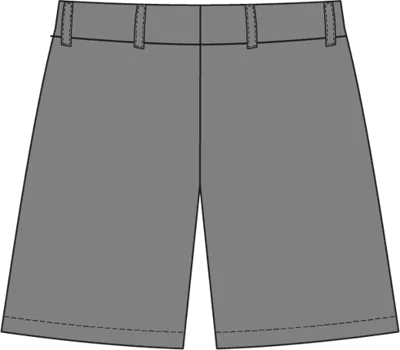 Shorts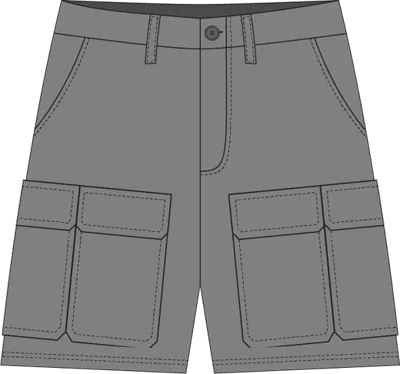
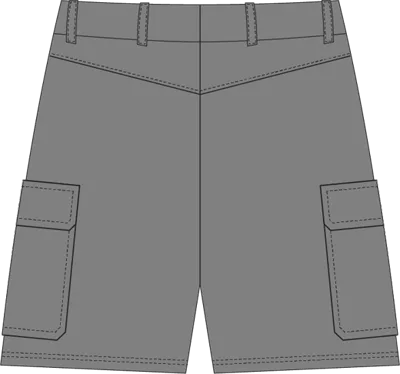 Cargo shorts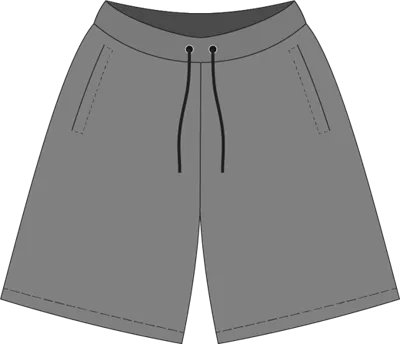
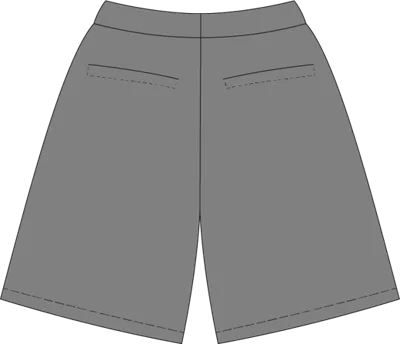 Sweat shorts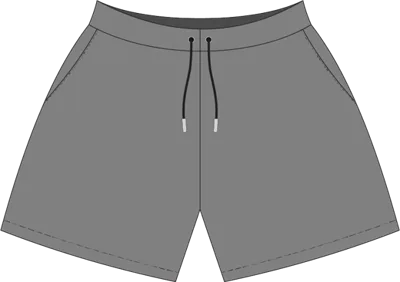
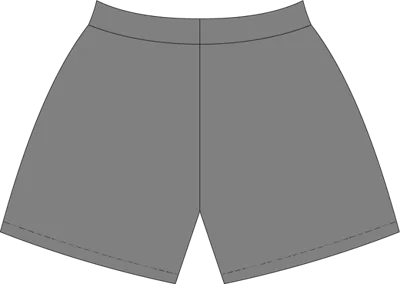 Swim shorts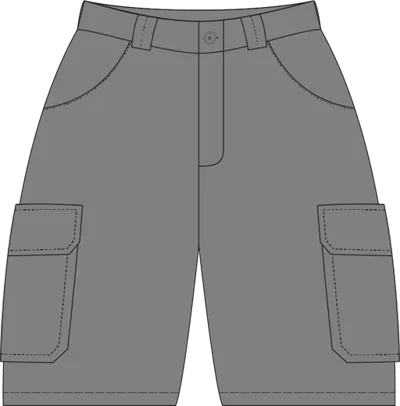
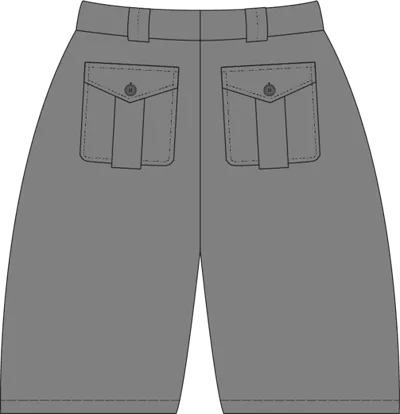 Cargo jorts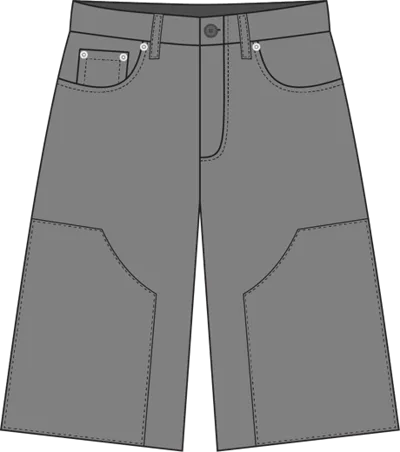
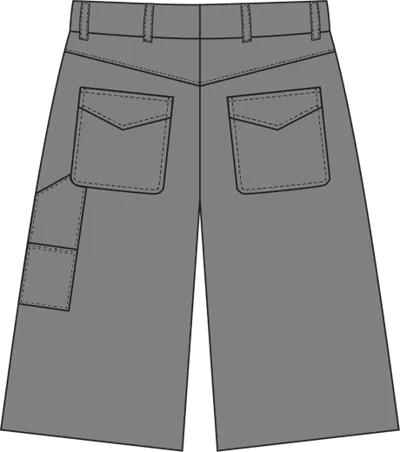 Carpenter jorts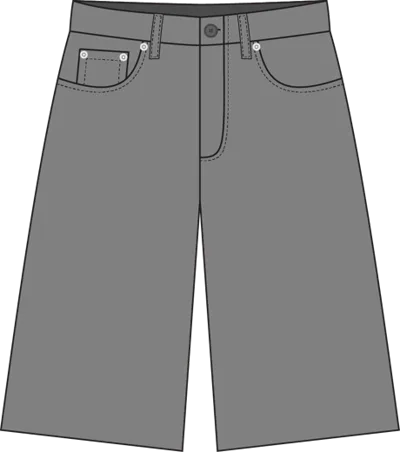
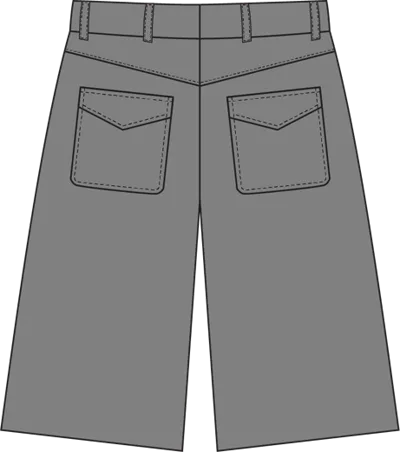 Denim jorts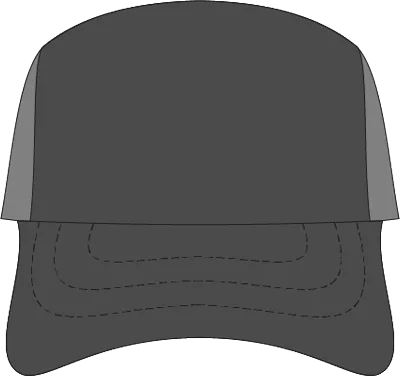
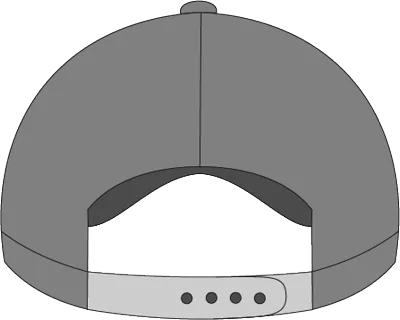 Trucker hat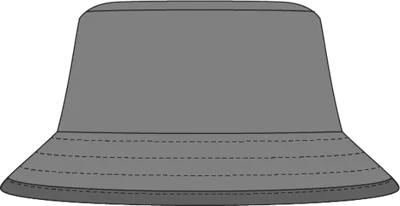
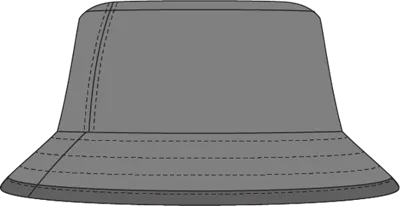 Bucket hat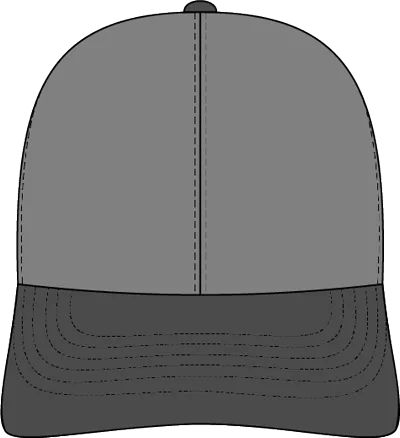
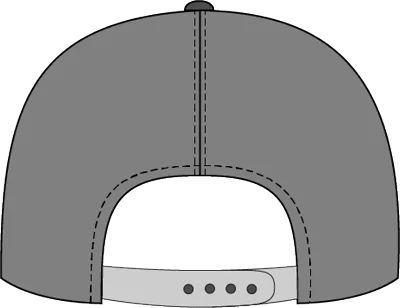 Baseball hat
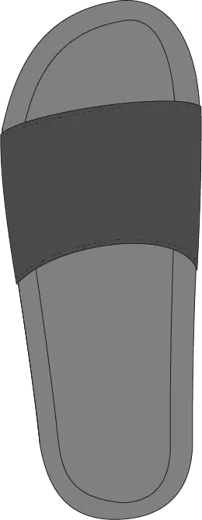 Slides
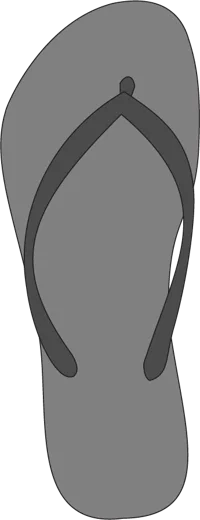 Flip flops
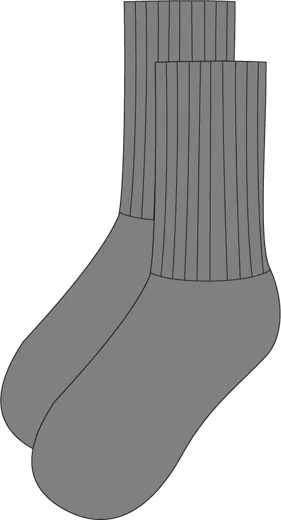 Socks
Socks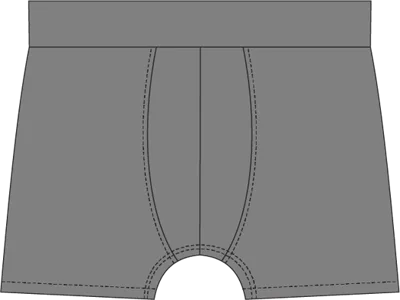
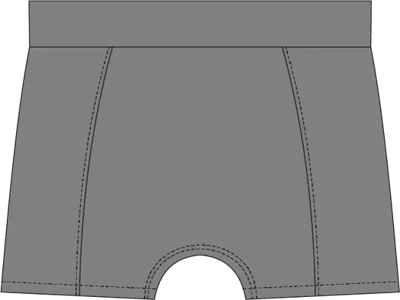 Underwear
All 42 garments, front and back, painted live by your colour pick. The 10 colourways come ready-made; in the SVG and PSD files you can recolour each part in any colour. The left and right side views come in the pack.


The Mockup Finder
Type what you need, like “zip up hoodie burgundy” or “trucker side”. Pick a card and it shows the exact file name.
It’s one page that opens in your web browser and works with no internet.
Works with your app
Open the folder named after your app. All five come in the download, with the Finder and the index.
Tested We opened and edited the files in that app ourselves.
Files included Made for that app. We haven't tested it there yet.
-
1 · Illustrator · Affinity · Inkscape
Two full .ai sheets with their PDFs, plus one PDF per garment
- Illustrator Tested
- Inkscape Tested
- Affinity Files included
-
2 · Canva · Figma · Penpot
One SVG per garment, each part its own colour
- Canva Files included
- Figma Files included
- Penpot Files included
-
3 · Procreate · ibisPaint · Photopea
One paint-ready PSD per garment
- Procreate Files included
- ibisPaint Files included
- Photopea Files included
-
4 · Just the pictures (PNG)
A PNG of all 132 views
Anything that opens a picture.
-
5 · Ready-made mockups
1,320 mockups in 10 colourways, each as a PNG and a JPG, plus the swatch file
Anything that opens a picture.
-
Mockup Finder + index
The offline Finder page and an index PDF of every garment
Opens in your web browser. We tested the Finder in Chrome.
-
Free fonts + START HERE
Fonts with their licences, and a PDF that tells you which folder is yours
Install the fonts before you open the .ai.
- Canva and Procreate can’t edit vector paths. That’s the app’s limit, not the files’. To reshape a garment, use Illustrator or Inkscape.
- On Photoshop? The PSDs are Photoshop’s own format.
- Using the .ai? Install the free fonts in the download first.
Plain answers
- Can I change the colours?
- Yes. Recolour each part of a garment on its own in the SVG and PSD files, or start from the ready-made mockups in 10 colourways. Try the colours above to see the flats repainted.
- How do I find the right mockup?
- Open the Mockup Finder in your web browser and type what you need, like “trucker side”. Pick a card and it shows the exact file name. It works with no internet.
- I use Canva or Procreate. Will it work?
- There’s a folder made for each: one SVG per garment for Canva, and one paint-ready PSD per garment for Procreate. We haven’t tested those apps ourselves yet, and neither can edit vector paths, so reshaping a garment needs Illustrator or Inkscape.
- Which garments are in it?
- Tops: classic, boxy, oversized, knitted, ripped, ripped boxy and no-shoulder-seam tees, a tank top, long sleeve, collar and long sleeve collar shirts, a button-up, polo, jersey, crewneck, and pullover and zip-up hoodies. Bottoms: cargo and carpenter pants, denim jeans, cuffed and straight-leg sweatpants, basic, cargo, sweat and swim shorts, and cargo, carpenter and denim jorts. Plus trucker, bucket and baseball hats, slides, flip flops, socks and underwear.


All three in the Starter Bundle
The Tech Pack Template, the Trusted Manufacturer List and the Mockup Basics Pack, in one box.
$45CAD